
Table of contents
What is 21 CFR?
The Code of Federal Regulations (CFR) lists general rules all food products, cosmetics, and medical devices must adhere to if they want to be sold within the United States.
Failure to comply with these regulations leads to misbranding and product recalls, damaging your reputation and brand image.
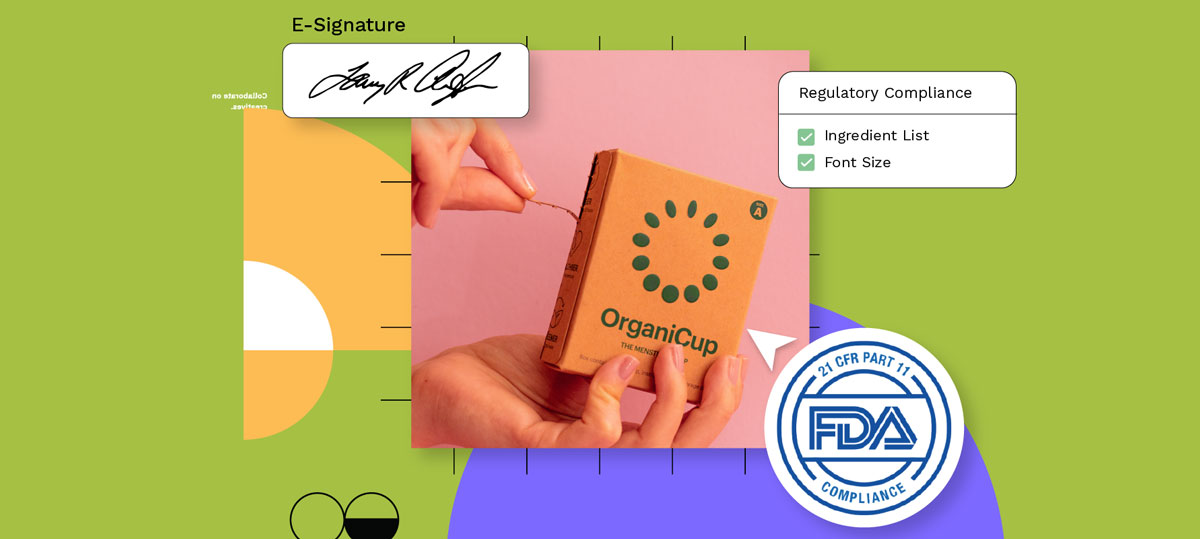
This article focuses specifically on 21 CFR Part 11 — the section that governs electronic records and electronic signatures.
It is worth noting that the FDA’s Quality Management System Regulation update, which took effect on February 2, 2026, has also brought device manufacturers closer to ISO 13485:2016, reinforcing a risk-based approach to software validation and quality-system controls that overlaps directly with Part 11 expectations.
What is Part 11 of 21 CFR?
Part 11 of 21 CFR sets regulations on electronic records and electronic signatures for companies selling food and drugs within the United States.
It is important to understand that FDA interprets Part 11 narrowly. Not every digital file in your system is automatically a Part 11 record.
What determines scope are the predicate rules — the underlying FDA regulations that require you to create or maintain a specific record in the first place. If that required record is kept electronically, Part 11 applies to it.
Hybrid situations also exist, where some records are maintained partly on paper and partly in electronic form. Each element must meet the applicable requirements.
How to Comply with 21 CFR Part 11 Using WebCenter Go
WebCenter Go is Esko’s solution for mid-market brands that need structured, auditable artwork approval workflows without the complexity or cost of an enterprise platform. With WebCenter Go, you can meet complex labeling requirements effortlessly through comprehensive data security and auditing measures.
Controls for Closed Systems
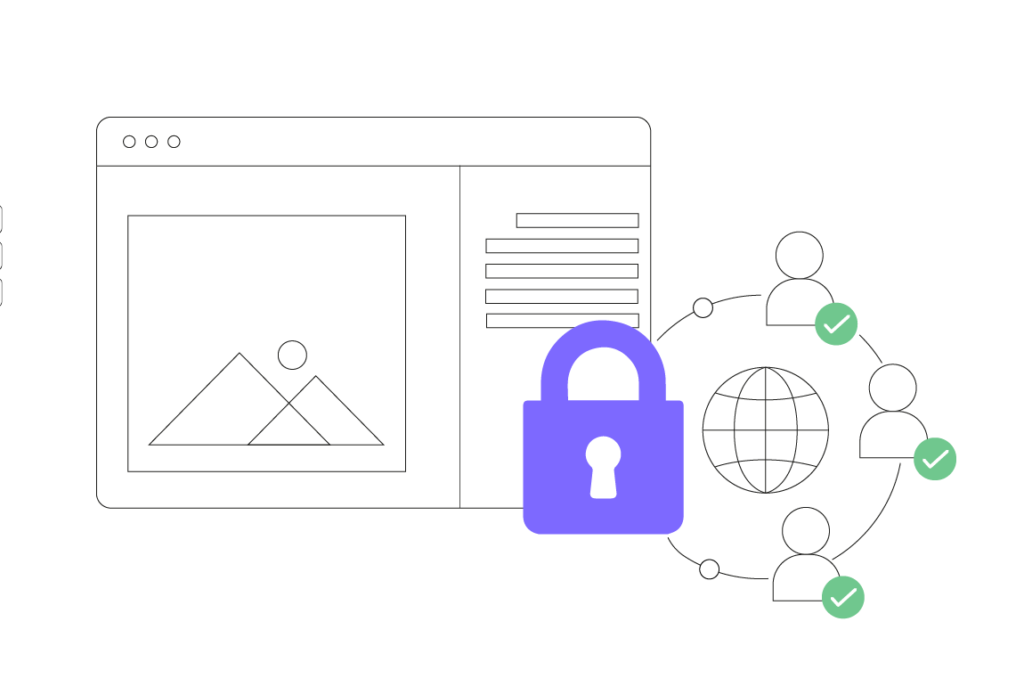
WebCenter Go provides the following controls to support Part 11 compliance for closed systems:
- Access is performed via authentication using a combination of email address and password, following a minimum security standard.
- All data transmissions to and from WebCenter Go use a secure HTTPS connection and are encrypted.
- Access to servers is restricted and only available through SSL.
- WebCenter Go has multi-tenancy architecture implemented at the data level. The platform has role-based access controls and application-level security mechanisms to help ensure that users can access only the records and information they are authorized to view.
- Feature-level and role-based access control (RBAC) is handled by a dedicated access-control service that authorizes each request.
- Program time-outs lock the system when it is not used for an extended period.
- System administrators can monitor selected tasks and permissions that require security oversight.
What about external collaborators?
Many artwork approval workflows involve suppliers, agencies, or contract manufacturers who sit outside your organization’s controlled environment. When access extends beyond a closed system, FDA’s framework calls for additional protections.
For external or hybrid workflows, this means applying encryption, stronger identity verification, and documented controls that ensure the record owner can still demonstrate the integrity of every action taken on a file, regardless of where the reviewer is located.
Enforcing the right sequence of steps
Part 11 also calls for operational system checks that enforce the permitted sequence of events. In an artwork approval context, that means the platform must prevent a file from advancing to release before all required reviews and approvals are complete.
Within WebCenter Go workflow automation, configurable approval gates and reviewer routing help ensure that no step can be skipped or reordered outside the defined workflow.
Data Retention
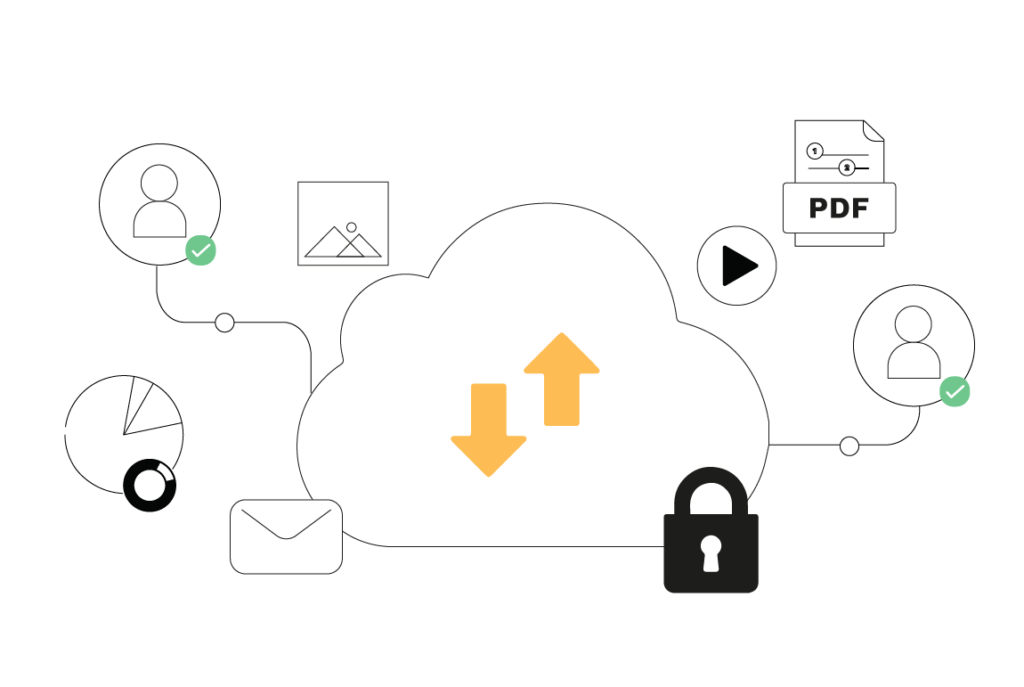
WebCenter Go’s data retention controls include:
- Backup retention: Your data can be recovered for up to 30 days if it is accidentally deleted or changed by mistake. The system can restore data from any point in time within those 30 days.
- Deleted files: Deleted data is kept for at least 30 days before permanent removal. After account expiry: If an account expires, the data is kept for 90 days, then it is permanently deleted.
Backup is not the same as compliant record retention.
Daily backups protect you against data loss. They are not a substitute for the separate Part 11 requirement to keep regulated records secure, complete, and retrievable for the full applicable retention period.
Under 21 CFR 11.10(c), records must remain accurate and accessible throughout their required life, along with the metadata that gives them context: who created the record, when, and under what conditions.
WebCenter Go maintains all versions of your assets on the cloud so that the complete record, including its full history, is available for inspection at any point during the retention period.
Audit Trails
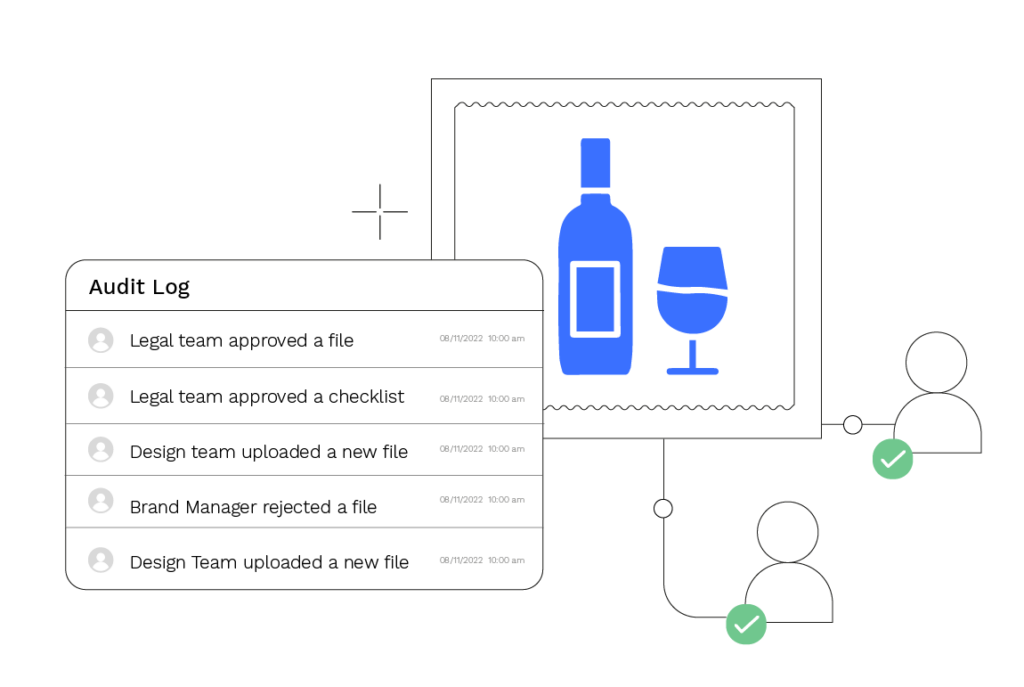
WebCenter Go captures:
- A complete audit trail including user details, timestamps, and all transitions and activities.
- Logging and history information to support traceability, record oversight, and reconstruction of activities when required.
Audit trails must do more than log events.
Under 21 CFR 11.10(e), audit trails need to preserve prior entries so that the full history of a record can be reconstructed. They must also be retained for at least as long as the records they support.
Reviewing audit trails at a frequency appropriate to the risk and workflow is expected. Simply having a system that generates logs is not enough if no one is governing them.
Recent FDA warning letters issued in 2026 have cited missing audit trails, deleted data, and absent SOPs for audit trail oversight as specific enforcement findings. The practical takeaway: the control exists to be used and reviewed, not just switched on.
“The consequences for mistakes in pharma packaging can literally be deadly. Risk mitigation is non-negotiable. The efficient creation and modification of label content and artwork is crucial, and in order to ensure artwork is totally accurate it must be easily shared for review and traceable throughout the process.
Data integrity, metadata, and ALCOA principles
Audit trails are one part of a broader data integrity framework. FDA’s data integrity guidance describes records that should be Attributable, Legible, Contemporaneous, Original, and Accurate — the ALCOA principles.
Every entry in your artwork approval record should be traceable to the individual who made it, captured at the time it occurred, and preserved in its original form.
Metadata matters here too. A labeled artwork file without its associated approval history, version lineage, and reviewer timestamps is an incomplete record from a regulatory standpoint.
WebCenter Go captures and preserves this metadata alongside the asset itself, so the record you produce for an FDA inspection reflects the full picture of what happened, not just the final approved file.
If your audit trail governance relies on manual review processes, consider whether your SOPs define how often those trails are reviewed, by whom, and what happens when anomalies are found. That documented oversight is what makes the technical control credible.
Authority Checks and Role-Based Access Control
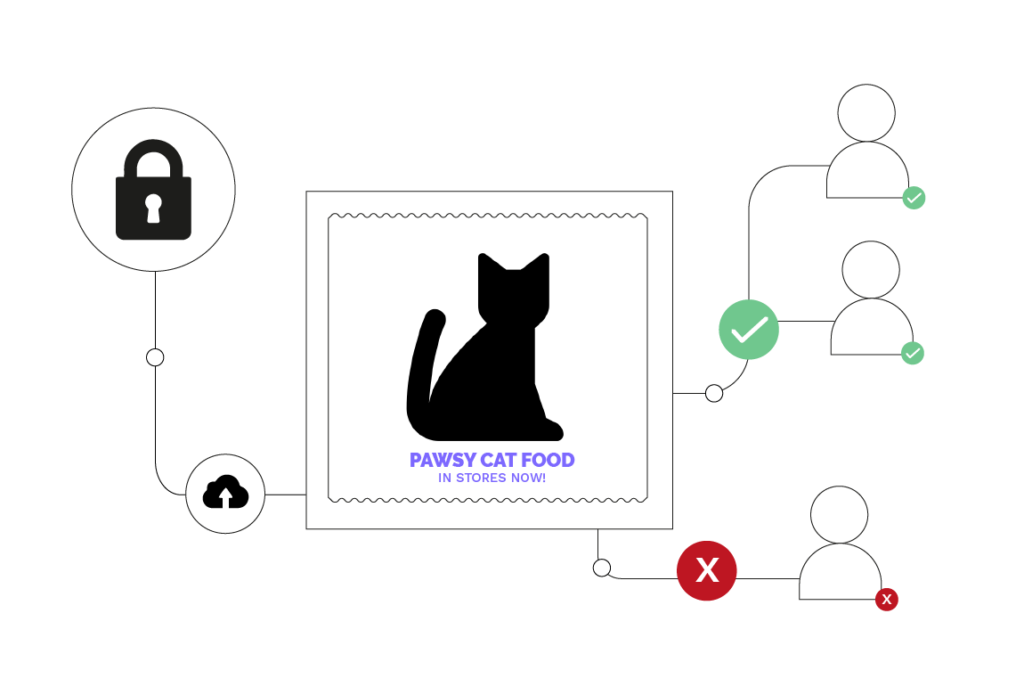
WebCenter Go’s authority checks include:
- System administrators have complete control over providing access to individual users, defining their roles and access levels.
- Role-Based Access Control (RBAC) secures sensitive information during the review and artwork approval process.
- User authentication is managed through identity-management services, while administrative controls support the management of user access rights and permissions.
Unique credentials are non-negotiable.
Every user in WebCenter Go operates under a unique credential. Shared logins are not permitted, and for good reason: shared access makes it impossible to attribute an action to a specific individual, which directly undermines the integrity of your audit trail and your e-signatures.
FDA warning letters have cited shared or uncontrolled passwords as a specific compliance failure.
Credentials should also be reviewed periodically. When a team member changes role, leaves the organization, or when a credential is suspected to be compromised, deauthorization must happen immediately. WebCenter Go gives administrators the tools to act on that without delay.
Training, SOPs, and accountability policies
Technical controls alone do not make a system compliant. Part 11 also expects:
- Written procedures that govern how the system is used, how records are reviewed, and how exceptions are handled.
- Trained users and administrators who understand their responsibilities under those procedures.
- Accountability policies that make individuals responsible for actions taken under their e-signatures.
- Documented evidence of training that can be produced during an inspection.
FDA continues to cite missing SOPs and absent training records in enforcement actions. If your team cannot demonstrate that users were trained before they were given access, the technical controls you have in place carry less weight.
WebCenter Go supports this by providing role-based onboarding controls and audit-accessible activity records, but the written procedures and training program need to sit alongside the platform.
Electronic Signatures
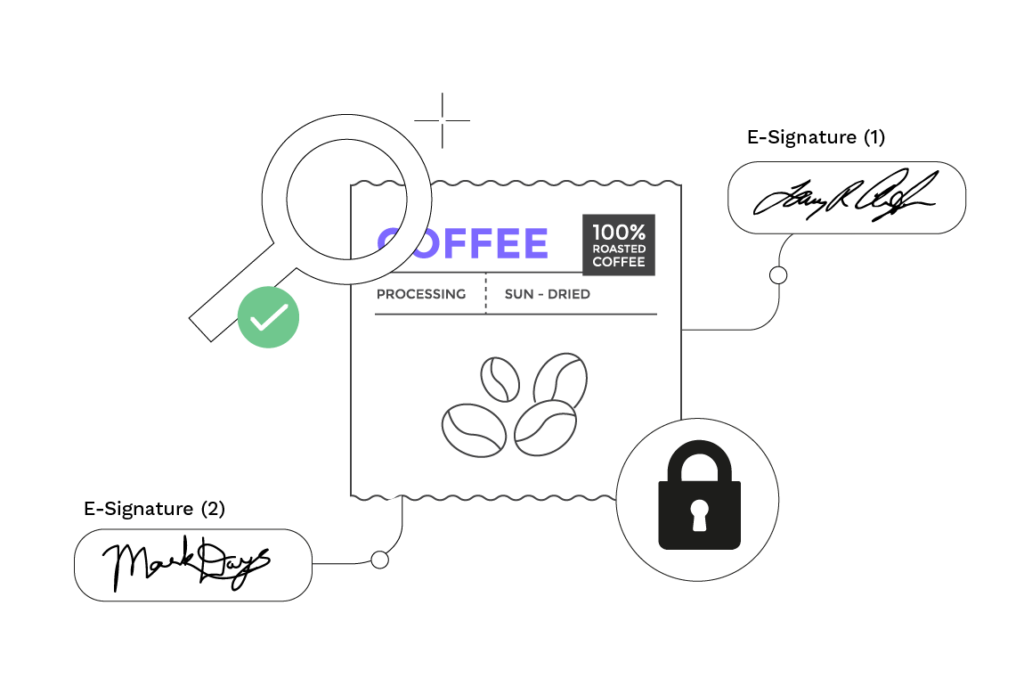
WebCenter Go supports e-signatures as follows:
- Production workflows can be automated to securely receive e-signatures from internal and external stakeholders.
- Signed electronic records contain the printed name of the signer, along with the date and time the signature was executed.
What makes a signature compliant under Part 11?
A compliant electronic signature must go beyond name and timestamp. Each signature should also capture the meaning of the signature, for example, whether the signer is approving, reviewing, or authorizing release, so that the record is unambiguous when reviewed later.
The signature must be permanently linked to the record it applies to. It cannot be transferred to another document.
Signatures must be unique to one individual and cannot be reused or reassigned. For non-biometric electronic signatures, Part 11 requires at least two identification components, typically a user ID and a password, used together at the time of signing.
For organizations that submit signed records directly to FDA, the agency’s current non-repudiation process supports electronic generation and submission of the required certification letter through ESG NextGen workflows.
Revision and Change Control Procedures
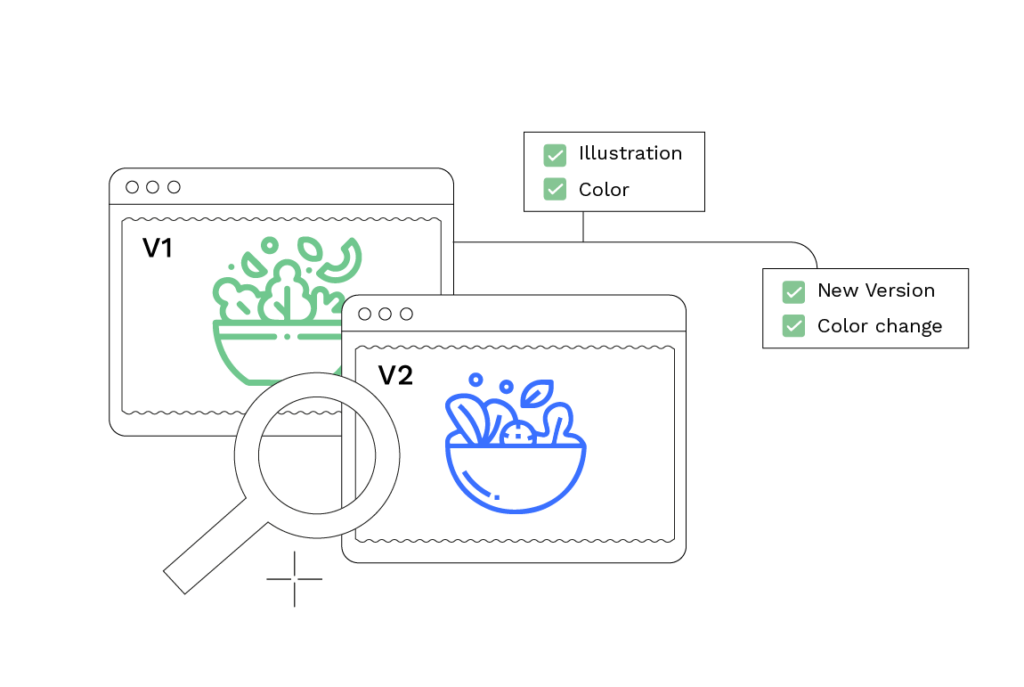
WebCenter Go supports change control through:
- Standard change control procedures to ensure customers have proper manuals and documents available.
- A single asset library where you can track changes with version control and compare label versions and track changes on artwork during packaging reviews to maintain a complete, auditable record of every revision.
Controlled documentation means more than having manuals available.
System documentation, including configuration records, validation evidence, and SOPs, should itself be subject to change control, with a time-sequenced record of what changed, when, and who authorized it. When the software evolves, the validated state of the system needs to be maintained, not assumed.
For artwork and labeling workflows specifically, automated artwork change management with traceability and validation templates provides a structured way to manage approved changes without losing the audit thread across versions.
Risk-based system validation and computer software assurance
Validation is not a one-time event. FDA’s final Computer Software Assurance guidance, issued on February 3, 2026, reinforces a risk-based approach: the level of assurance activity should be proportionate to the risk the software poses to product quality and patient safety.
For a cloud or SaaS platform used in a regulated artwork approval workflow, that means documenting the intended use, defining what testing is appropriate for that use, and maintaining evidence that the system continues to perform as intended as it is updated.
The 2026 guidance explicitly covers SaaS, cloud computing, and AI/ML tools used in production or quality-system software. It also allows organizations to leverage supplier-provided validation evidence, including test results and change documentation from the software vendor, rather than repeating all testing independently. WebCenter’s validation support for regulated industries provides validation deliverables and implementation guidance designed to support exactly this approach.
The practical implication for your team: keep a record of your intended-use definition, your risk assessment, and the evidence you relied on. When the platform is updated, review whether the change affects your validated scope and document that review. That is what maintaining a validated state looks like in practice.