
Written by Gouri Sasidharan
Content Specialist, Esko
Still chasing approvals across email, chat, and shared drives?
That is how label errors slip through. It is also how teams lose days trying to answer simple questions like: Who changed this claim? Which version was approved? Why did this file go to print?
Around 35-40% of product recalls are linked to label and packaging artwork errors, many of which stem from manual processes. It is easy to blame a missed check or a rushed reviewer, but label management is rarely that simple, either.
Imagine, your team is still pulling content from multiple sources while you are balancing compliance, design accuracy, speed, and market deadlines. If you are still relying on disconnected reviews, the risk only grows.
That is why so many teams move away from manual proofing and fragmented review loops as complexity increases.
One of the most effective ways to fix this is by building an audit trail into your label management process. A strong audit trail replaces guesswork with proof. It shows what happened, who did it, when it happened, and which version moved forward.
In this article, we will cover why you need an audit trail right away and how a purpose-built packaging management platform like WebCenter Go helps mid-sized brands maintain one.
What an Audit Trail in Label Management Actually Includes
An audit trail is the record of every action taken on a label or artwork file. It usually includes:
- Who made the change, comment, review, or approval.
- What action they took.
- When they took it, with a date and timestamp.
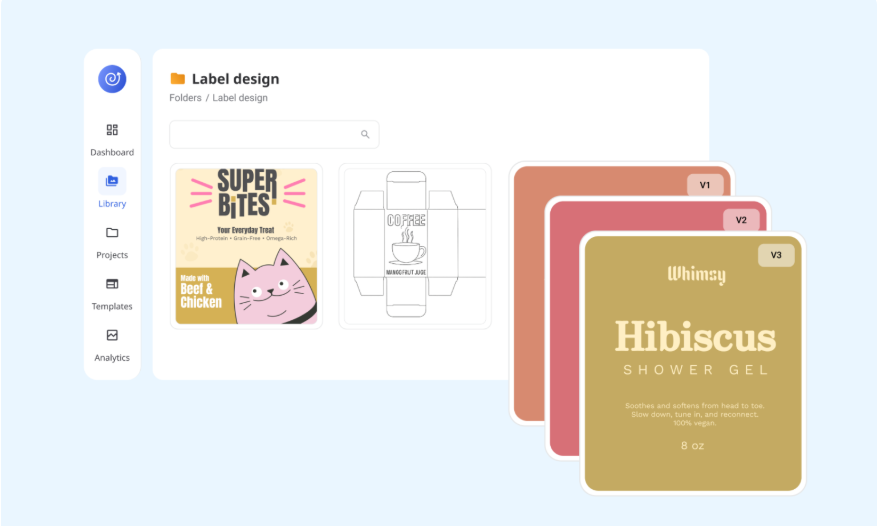
- Which version of the file they acted on.
- Whether the file was approved, rejected, or sent back for changes.
- What comments or markups were added during review.
- What changed over time across versions and workflow stages.
This level of visibility is what turns proofing history into a usable compliance record.
It also explains why teams are in dire need of systems with built-in version comparison, tracked comments, and approval logs instead of scattered feedback across tools like email, Slack, or WhatsApp.
3 Reasons You Need an Audit Trail to Improve Your Label Management Process
Want to catch errors faster and stop them from repeating? It starts with traceability.
Here are three reasons an audit trail should be part of every product labeling workflow.
1. Add Accountability
What happens when no one can tell you who approved the last version?
Without an audit trail, project managers spend time chasing updates. It becomes difficult to track ownership, feedback, or bottlenecks.
An audit trail solves this by linking every action to a user, version, and timestamp. It makes progress visible, highlights delays, and builds accountability across teams.
Packaging is nobody’s responsibility. It sits between departments, so everyone assumes someone else is handling it. That’s how errors fall through the cracks.
Industry Relations & Strategy, Esko
2. Stay Ahead of Regulations
If you’re still treating compliance like a final check, you’re adding risk to your business.
Regulatory authorities such as the FDA and EU expect electronic records to be authentic, traceable, and secure.
In practice, this means an effective audit trail should show:
- Who acted
- What changed
- When it changed
- Which version was approved or rejected
Requirements are constantly evolving and vary by region, product type, and claims. An audit trail helps you respond quickly when regulators, auditors, or internal teams ask for proof.
Instead of digging through emails, you can access complete approval history directly from the system.
3. Reduce Labeling Errors
If you cannot trace where an error started, you end up reviewing and revising more than necessary.
An audit trail lets you pinpoint the exact stage where the issue occurred, whether it was a content update, missed comment, version mix-up, or incorrect approval.
This significantly reduces recurring mistakes, cuts unnecessary revision cycles, and helps improve time to market.
How an Artwork Management Solution Helps You Maintain an Audit Trail
Managing audit trails across multiple products and projects becomes difficult without the right system.
Manual processes may work at a small scale, but they break down as volume increases. That is why traceability is now seen as a scaling requirement, not just a compliance need.
Here is how a purpose-built system helps:
1. Customizable Workflows
Still routing approvals through generic project tools? That is where traceability starts to break.
While general tools can assign tasks, they rarely capture file-level review history or structured approval records.
That is why packaging teams often outgrow them and move to workflow systems built for artwork review.
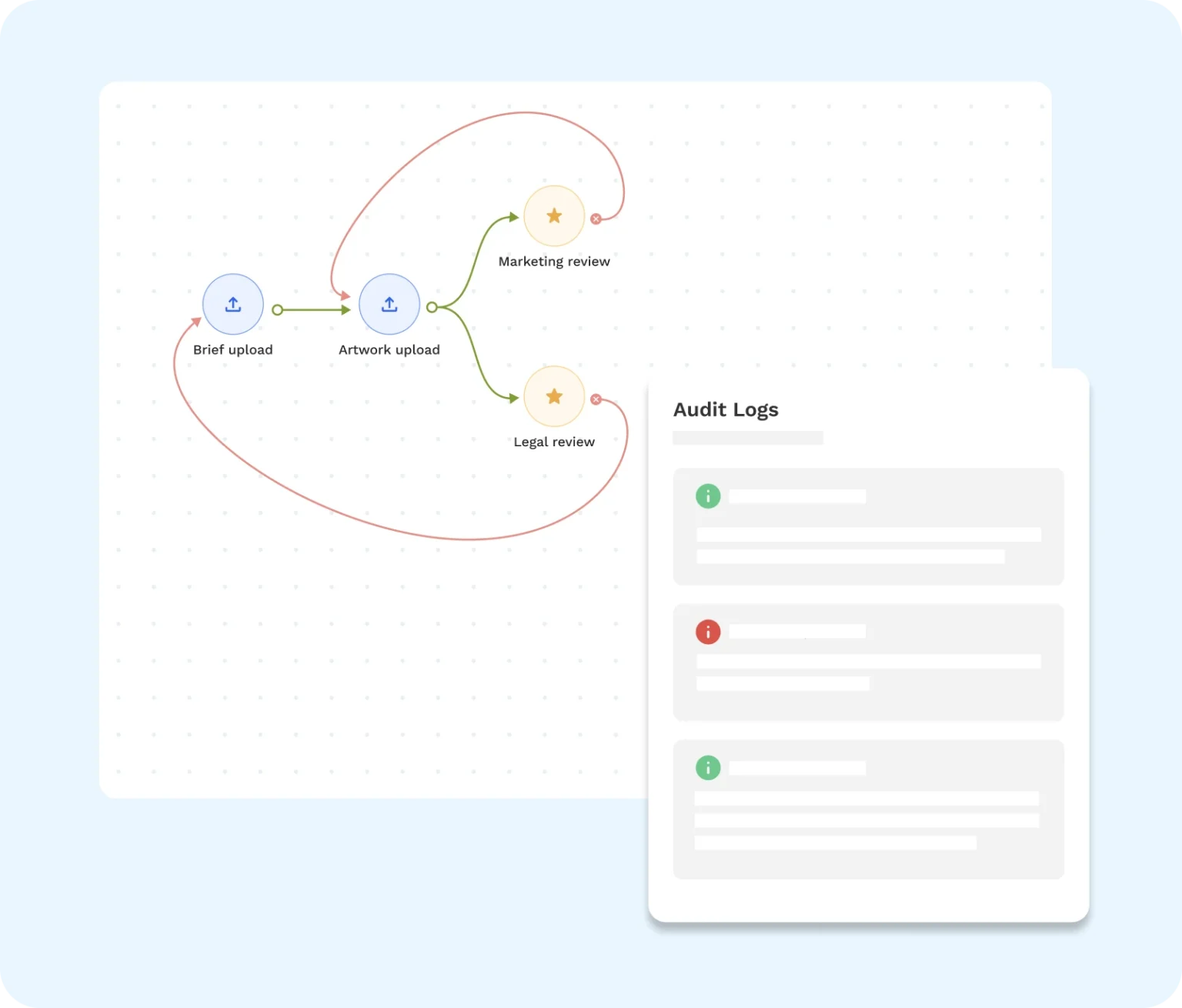
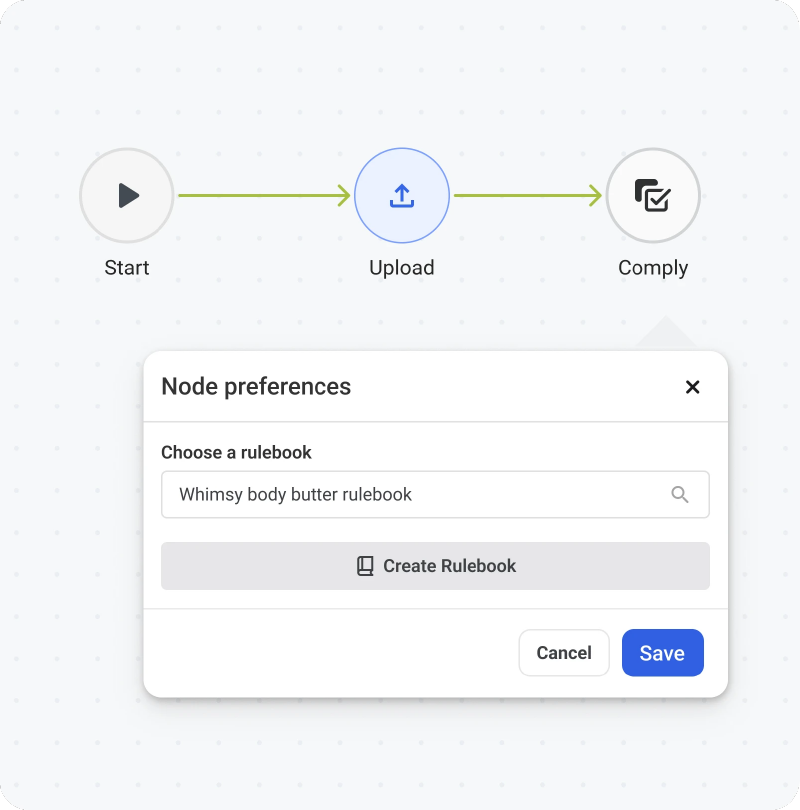
Customizable workflows break the labeling process into defined stages, with clear ownership at each step. As tasks move forward, actions are automatically recorded, forming a natural audit trail.
These workflows can be sequential or parallel. In other words, you can route a single project step by step or move multiple review tasks at the same time. Both models help you maintain traceability across jobs without losing control.
Most importantly, they centralize comments, approvals, and status updates into a single source of truth.