Written by Gouri Sasidharan
Content Specialist, Esko

Written by Gouri Sasidharan
Content Specialist, Esko
Every brand has a hawk-eyed proofreader or a team who’s really good at catching typos, an extra comma, or a missing allergen in seconds. However, with growing SKU counts, tighter timelines, multilingual labels, complex compliance requirements, and global market distribution, your artwork process has more moving parts than ever, which is enough to tire even the sharpest eyes.
And the stakes for one missed error? They’re higher than most teams realize. According to a report by AMR Research, which cites FDA statistics, 51% of 455 product recall notices were caused by mislabeling. Something that was missed out while reviewing the labels manually.
Manual proofing might have worked fine when your portfolio was small, or your review cycles were slower. But as your product lines grow and timelines tighten, depending on human checks alone starts to break down.
While every team has its own processes, these are the most common red flags that indicate your current approach to proofing is holding you back.
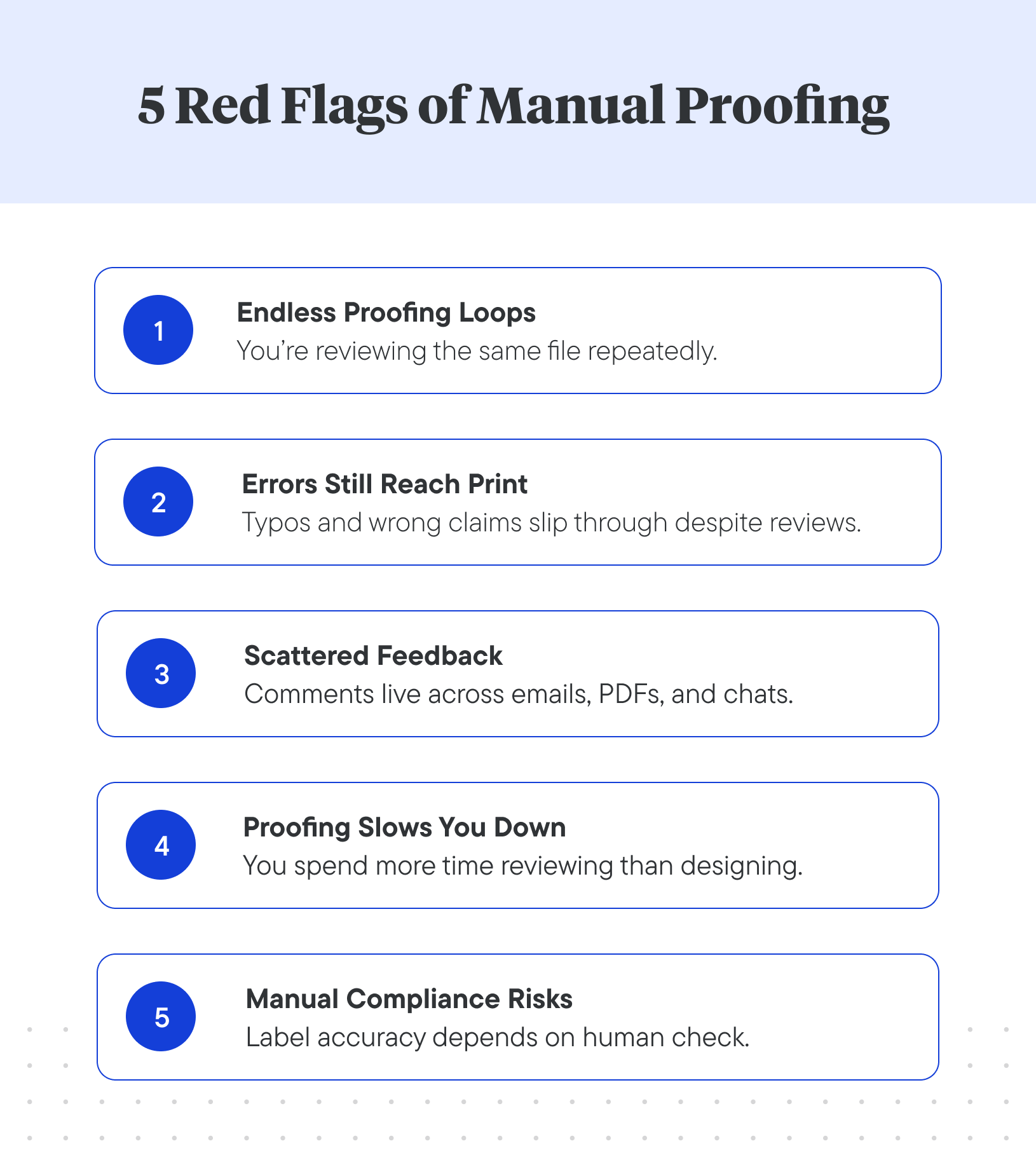
If the same file goes through multiple rounds because someone “just wants to double-check”, that indicates your process lacks clarity. It doesn’t give you transparent version control, clear audit logs, or automated reporting.
And the result you get? Feedback loops, duplicated effort, fatigue among reviewers, and lost time.
If typos, missing allergens, incorrect barcodes, or outdated claims still make it to print after multiple reviews, it’s not because your team isn’t careful, it’s because the process is flawed.
Manual proofreading relies heavily on human attention, which is inconsistent under tight deadlines and dense, multilayered artwork. And when your packaging files evolve constantly with new SKUs, updated ingredients, or fresh claims, it’s only a matter of time before something gets missed.
If comments or feedback for an artwork are sent via email threads, annotated PDFs, Slack messages, sticky notes or even Excel trackers, your proofing process is clearly fragmented.
Designers may act on outdated versions, regulators may review wrong files, and task accountability remains weak. When feedback isn’t centralized, proofing becomes less about accuracy and more about finding the latest version of feedback.
When your designers or packaging engineers spend more time managing comments than creating or editing an artwork, that’s a clear red flag.
Manual proofing introduces unavoidable delays such as waiting for reviewers, reconciling feedback, tracking versions, and resolving conflicting opinions. It slows down your go-to-market process, frustrates various teams, and blurs accountability.
Your packaging must comply with evolving labeling and regulatory standards while looking good. But if you’re still checking claims, allergen statements, or local language requirements manually, you’re walking a tightrope.
Each regulatory update means rechecking every artwork by hand, across multiple SKUs and markets. It’s slow, error-prone, and risky. One missed declaration can mean a costly recall.
If you recognize one or more of the signs above, it’s tempting to think “we just need a better proofing tool”. But often the root cause lies in the workflow architecture. Ask yourself these questions:
You can’t fix these by adding another standalone proofing tool. What you really need is structure, a single system that connects proofing, version control, and workflow automation.
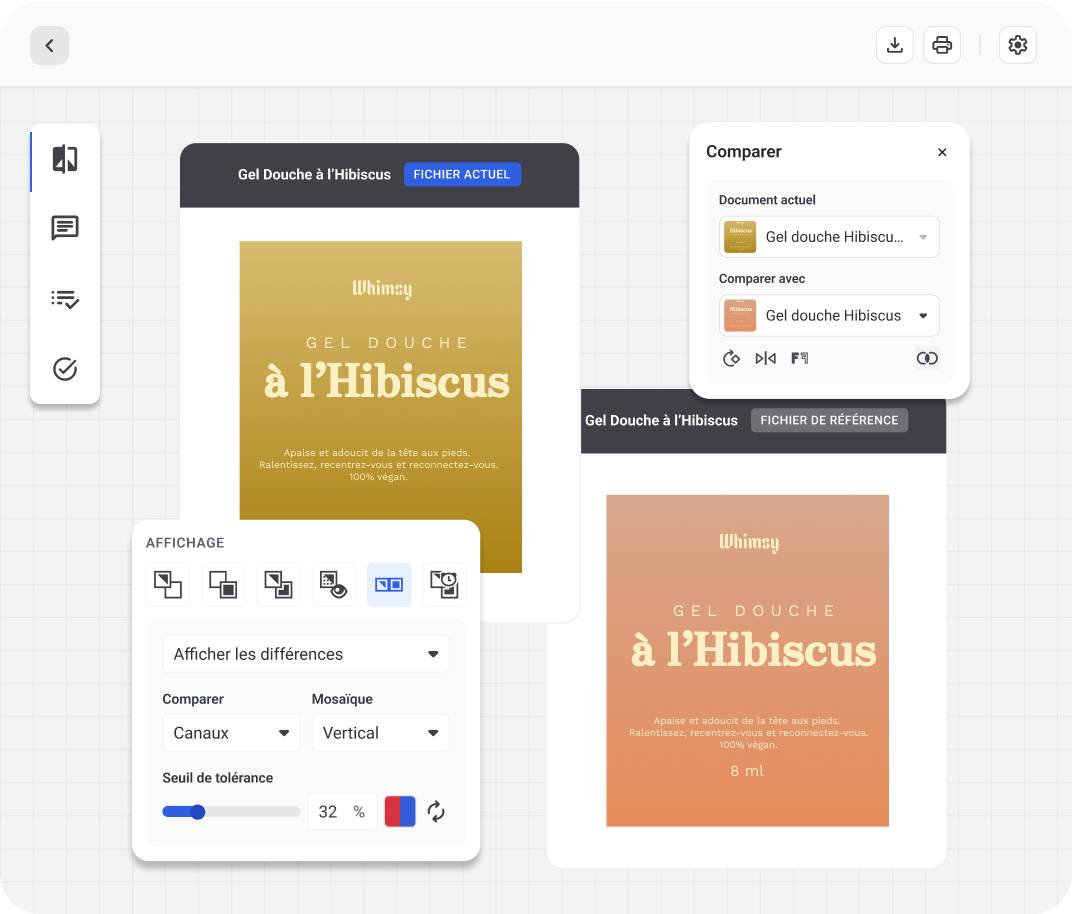
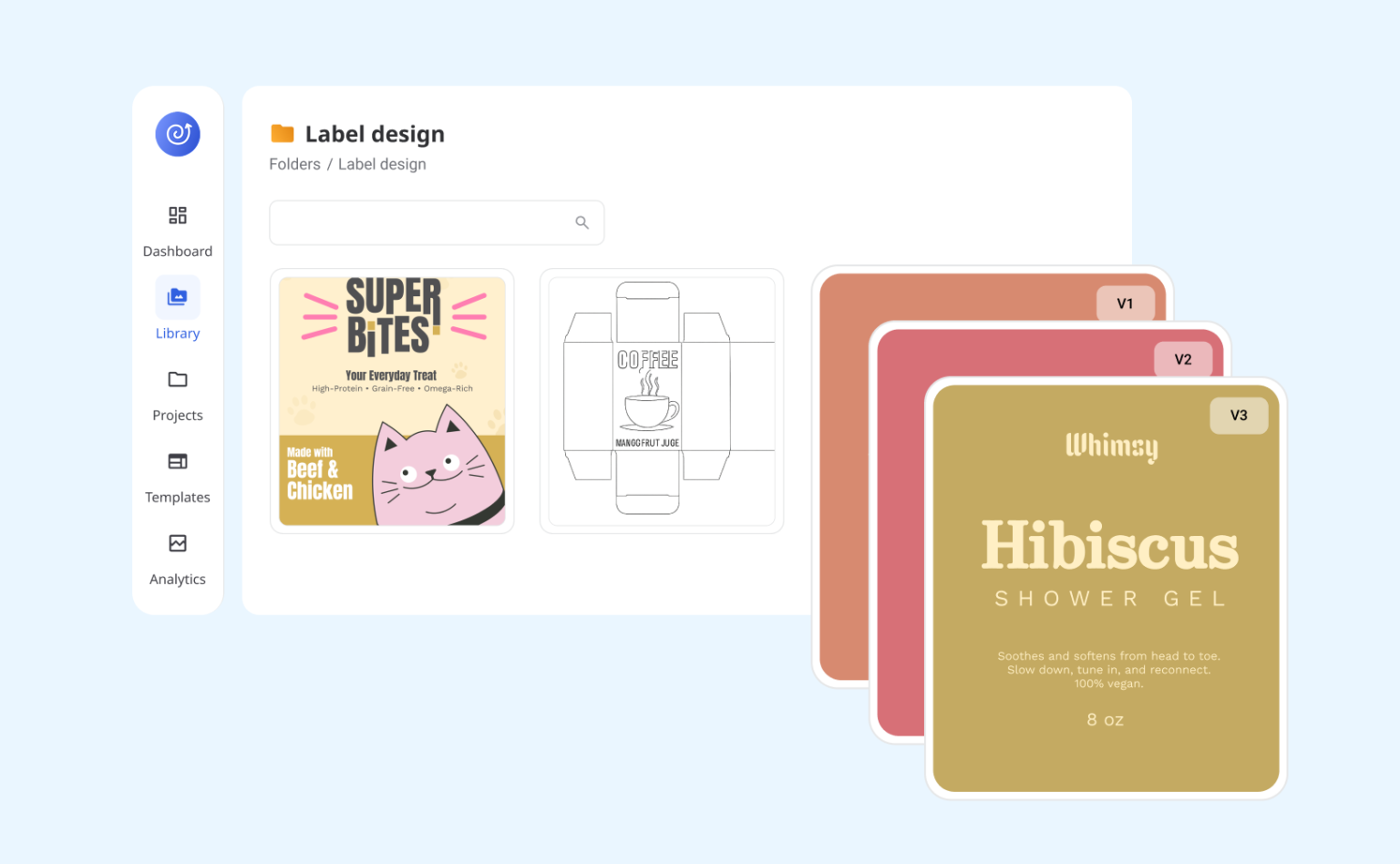
WebCenter Go is built for packaging teams who’ve outgrown manual proofing and disconnected tools. It brings automated accuracy and structured workflows together in one collaborative workspace.
Here’s how it helps:
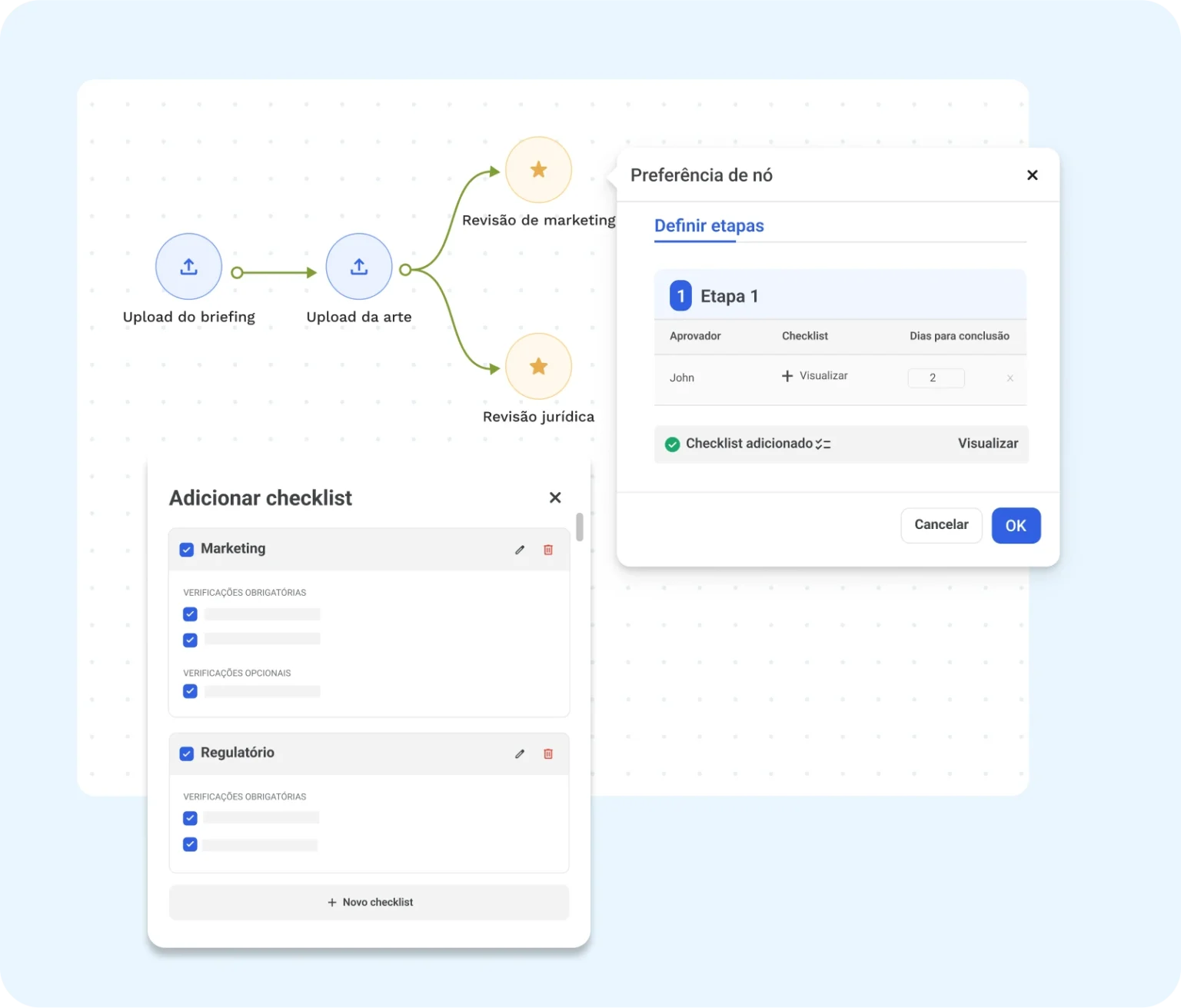

Manual proofing might feel safe because it’s familiar. But as your product lines grow, it quickly becomes slow, inconsistent, and risky.
If your team is still spending hours on checks, chasing feedback, or fixing post-print errors, it’s time to evolve.
Bring structure and automation to your packaging process with WebCenter Go, where accuracy and efficiency go hand in hand.
Gouri, a content specialist at Esko, loves adding a dash of creativity to everything she writes. She dedicates her craft to creating and optimizing content for clarity and impact. On weekends, you can probably spot her exploring new cafés or at movies.