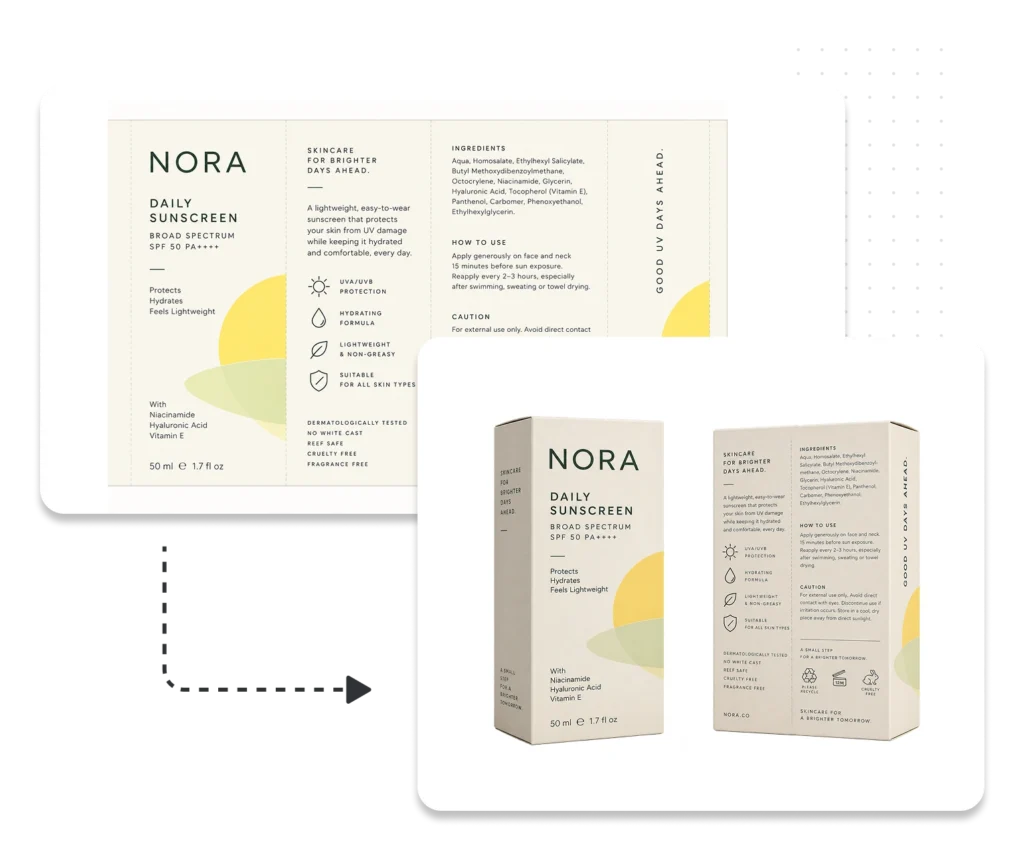
Generate Product Packshots Without Photoshoots
Create realistic, consistent product images from approved packaging artwork in WebCenter Go. Generate the views you need for different SKUs, markets, and retail channels in minutes.
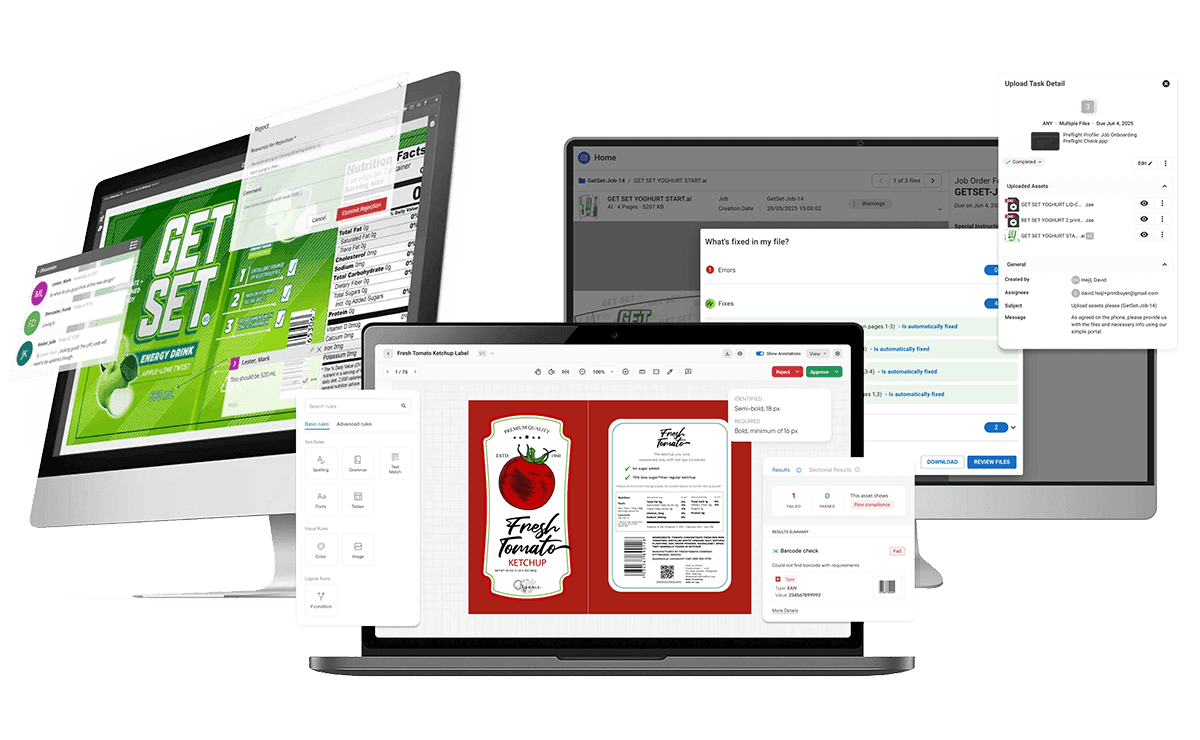
Everything You Need to Create Packshots at Scale
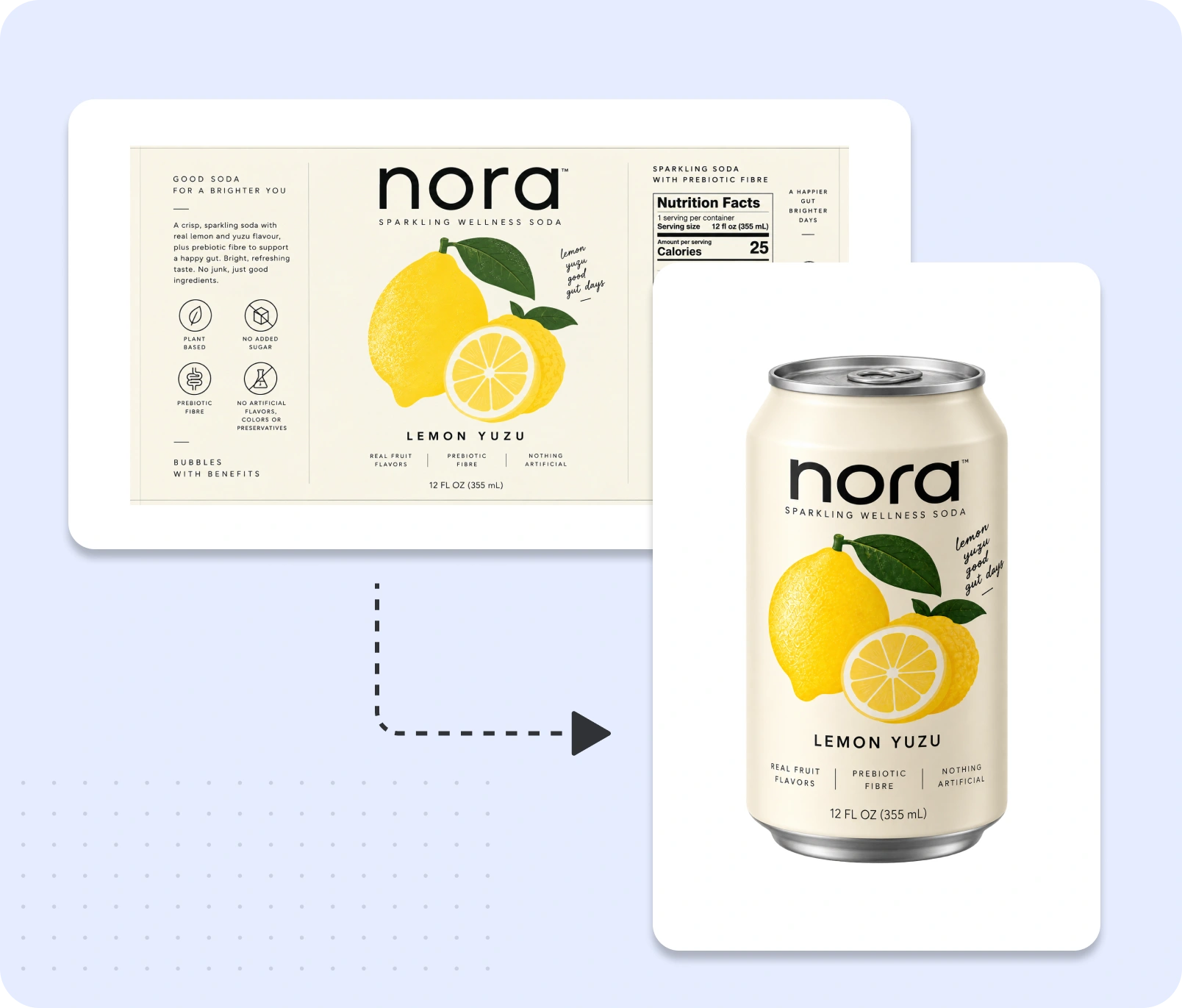
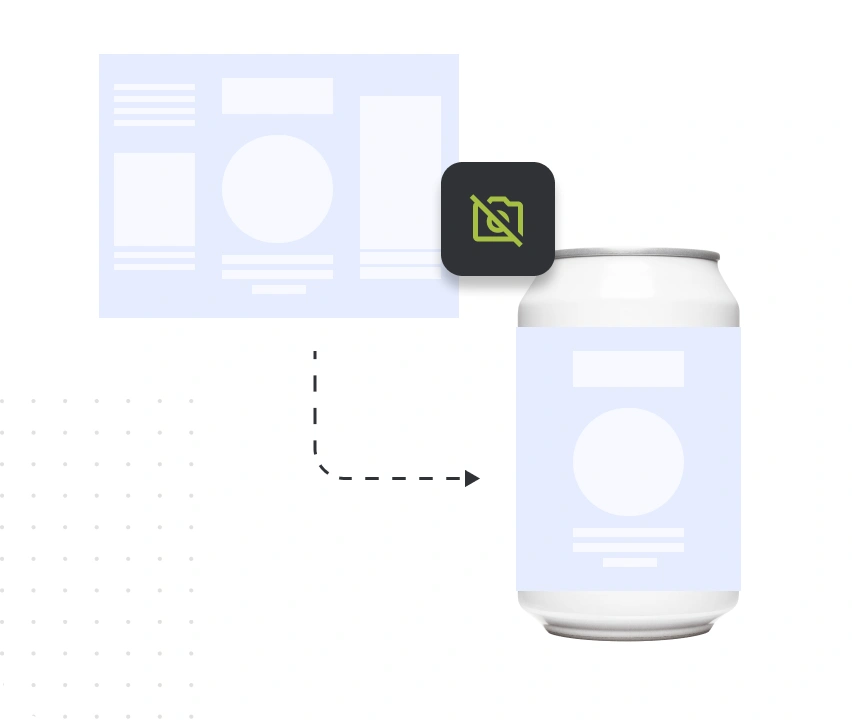
Create Packshots from Approved Artwork
Turn verified 2D packaging artwork into realistic 3D product images.
- Use approved artwork over structural files, with a custom library of packaging shapes to generate packshots.
- Apply finishing profiles to represent packaging materials and finishes.
- Generate realistic 3D product images without creating physical samples for photography.
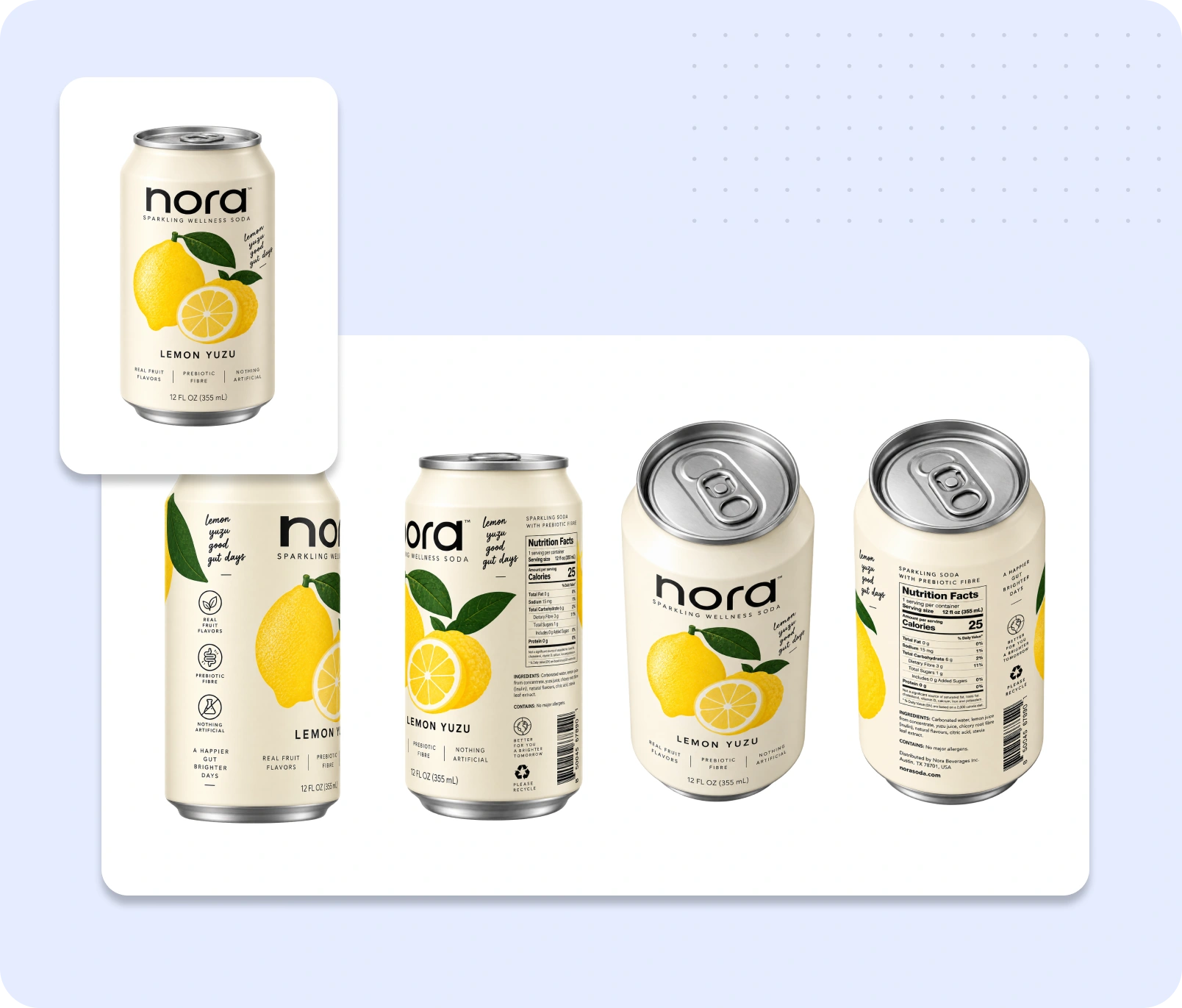
Generate Every Angle You Need with predefined set
Produce multiple product views from the same packaging artwork files.
- Create front, back, left, right, top, bottom, hero view, and more from pre defined set.
- Use predefined definitions for standardized camera angles.
- Make multiple packshot views within a single job.
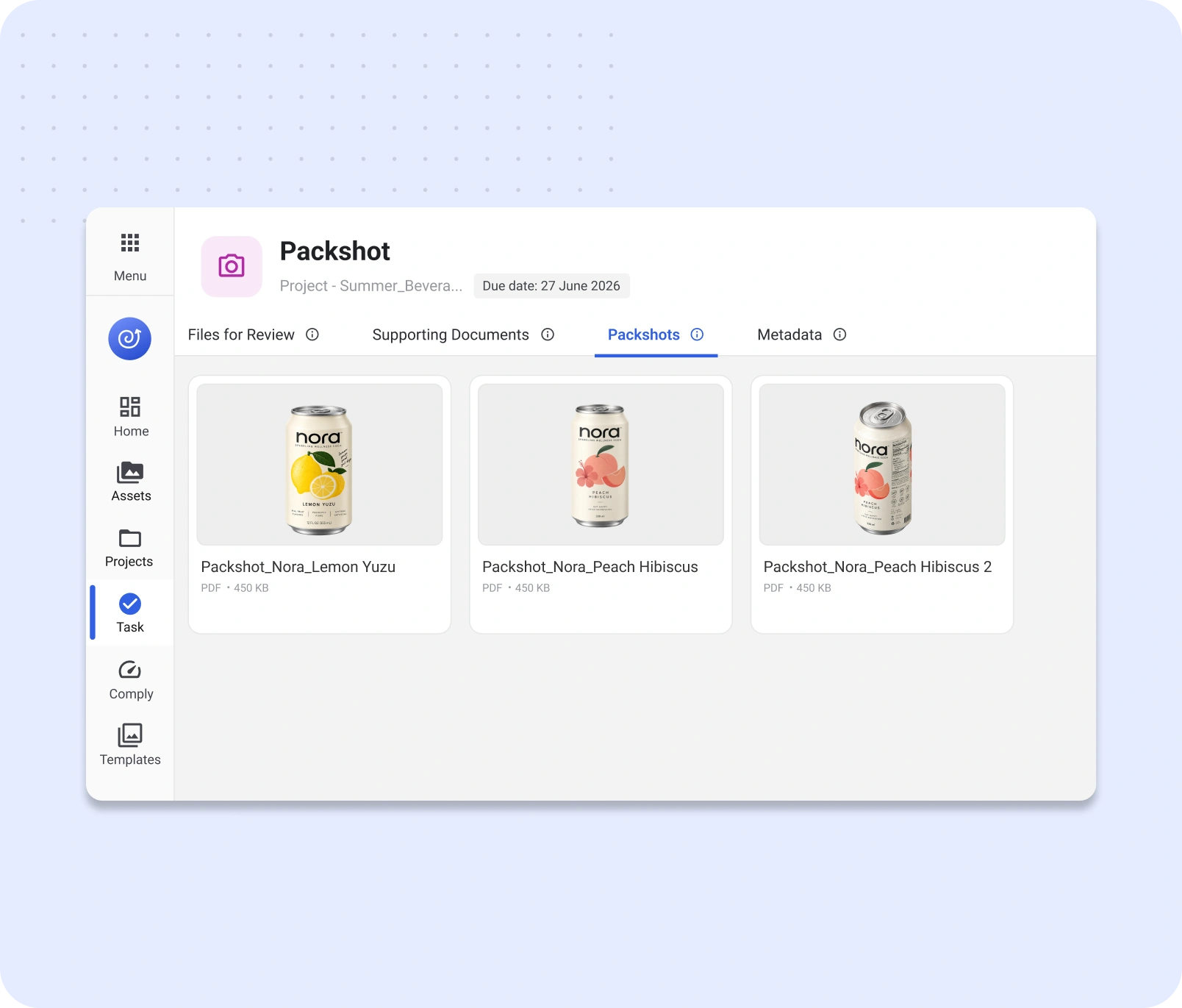
Produce Packshots Across Product Variations
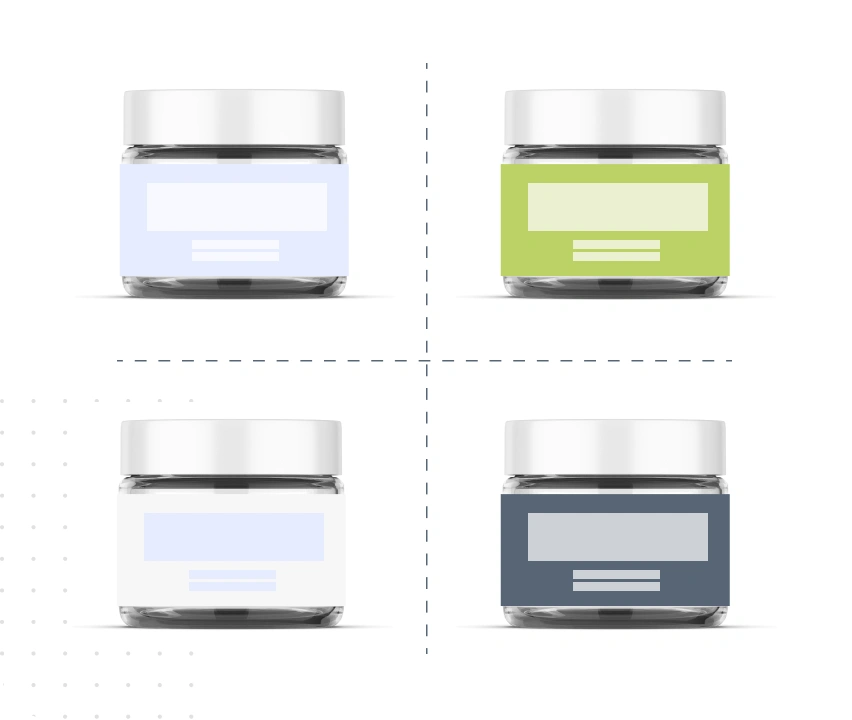
Reuse the same packshot setup across different SKUs, flavors, and packaging variations.
- Apply scene presets to reuse the same rendering environment, background, lighting, and shadows across multiple SKUs.
- Use View presets to keep camera framing and positioning consistent without setting up each image manually.
- Create consistent product visuals across packaging variations using preconfigured bundles of Scene and View Presets.
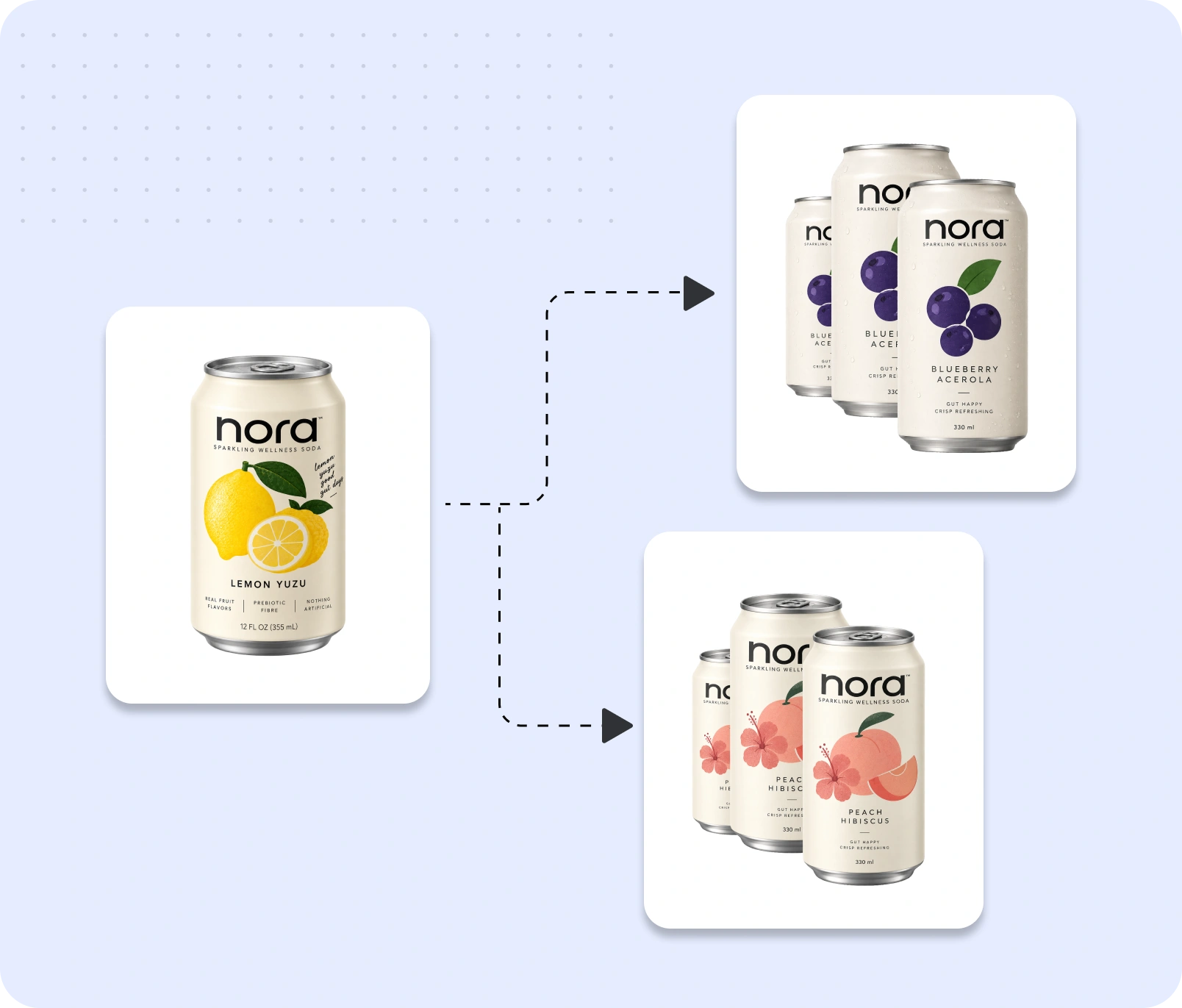
Make Packshots for Different Channels
Create standardized product views for retailers and marketplaces using predefined packshot definitions.
- Use predefined definitions, including GS1-compliant views.
- Generate the different product angles required across retail channels.
- Reuse definitions when the same image specifications apply across SKUs to keep consistency.
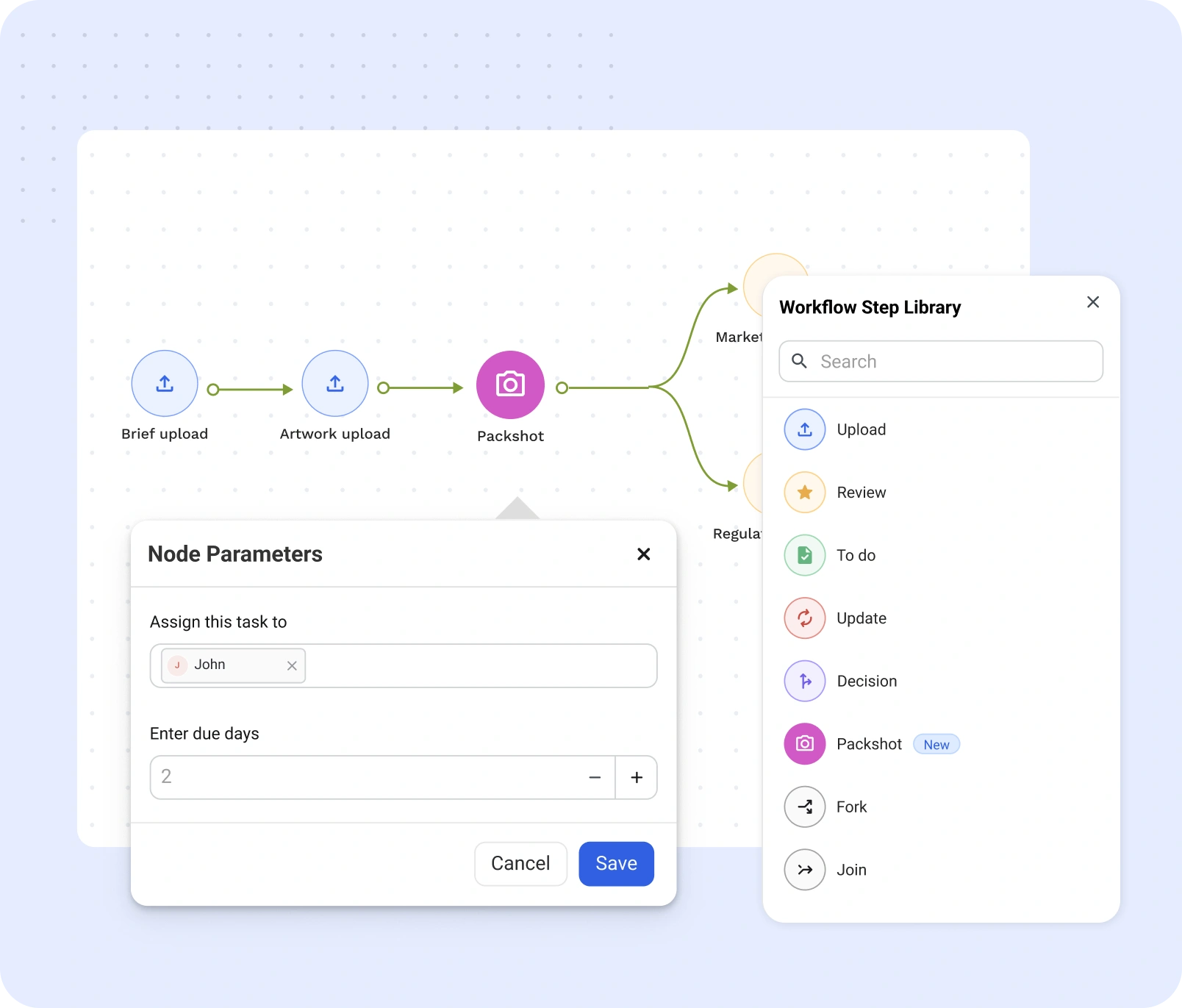
Keep Packshot Creation in Your Workflow
Create, assign, and manage packshots as part of your existing artwork workflow.
- Add Packshots as a step within WebCenter Go workflows.
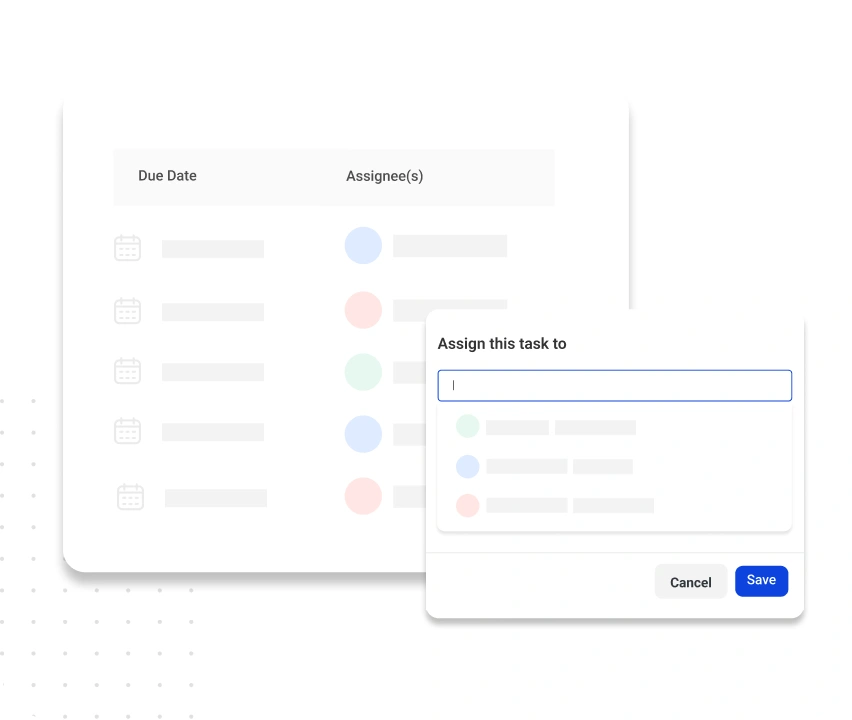
- Assign packshot tasks to individual users directly from the project.
- Track jobs as they move from queued to in progress to completed.
Get Packshots to Market Faster, for Less
Speed of Delivery
Generate product images in minutes and get them ready for teams and channels sooner.

Reduce Photoshoot Dependency
Create realistic digital product imagery without requiring a physical sample and photoshoot for every variation.
Lower Production Costs
Reuse structures, presets, and definitions across product variants to reduce repetitive setup and production work.
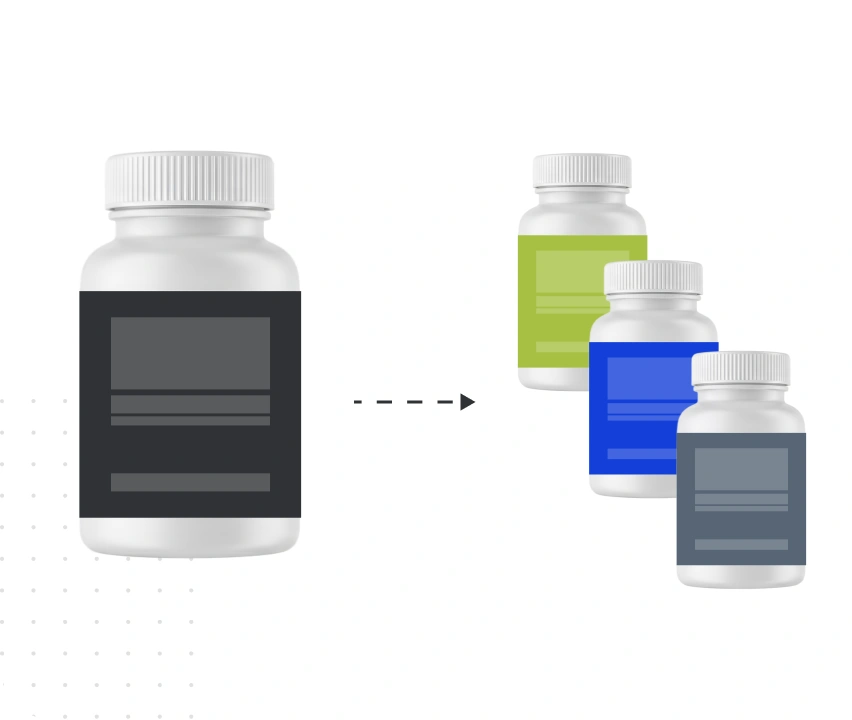
Create Across More SKUs
Generate the images you need as flavors, sizes, markets, and product variations grow.

Keep Brand Imagery Consistent
Standardized scenes, angles, and definitions help maintain a consistent brand look across SKUs.
Simplify Packshot Management
Create, assign, and track packshot tasks within WebCenter Go instead of managing separate processes and handoffs.
Why WebCenter Go?

Need Advanced Automation and Integrations?
If your business is global and you need an enterprise-grade packaging management solution with advanced automation and deep integrations, WebCenter Enterprise has you covered.
Skip the Photoshoot. Generate Your Product Packshot.
Generate consistent product imagery across SKUs, markets, and channels—all within WebCenter Go.