Streamline your large/grand format printing workflow!
Eliminate errors, save time and reduce waste with i-cut Suite. i-cut Suite is a collection of pre-production software targeted specifically at users of large format digital printers and/or digital finishing systems.
Eliminate bottlenecks
i-cut Suite tackles all bottlenecks in your workflow. From preflighting PDF files, preparing graphics, creating layouts, to printing, and finishing in perfect registration. i-cut Suite streamlines every step of the way.
Automate your workflow
i-cut Automate allows you to automate your entire prepress production process. Preflighting PDF files, preparing graphics, creating layouts, it is all done automatically by the server.
Through Mac or PC clients, operators can easily monitor the workflow. Users can intervene when necessary through a comprehensive job status list. Jobs are processed automatically, freeing operators from repetitive tasks. Read more about i-cut Automate.
Large format printing
A large format printing workflow has its own set of issues and bottlenecks. The i-cut software tackles these issues with a set of modules that fit any large format printing workflow, no matter what brand of large format press you’re working with.
Cutting plotter software for signage
Whether you are printing signage on large format printers or finishing signs on smaller cutter.The i-cut sign cutting software has all the tools to ensure that you maximize the sheet layout and reduce your material costs.
Preflighting
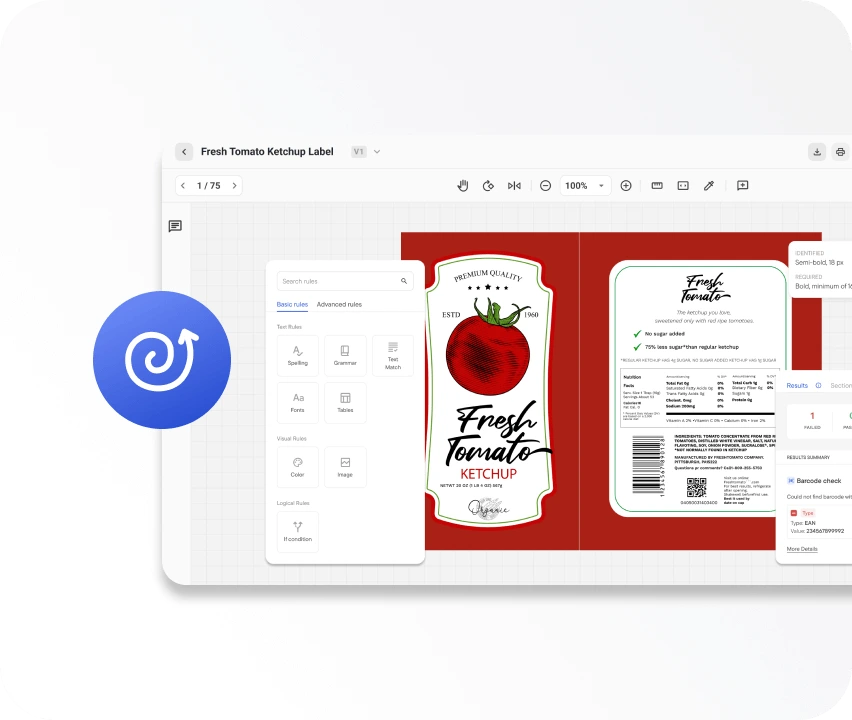
PDF preflighting saves time and solves problems before it’s too late. Don’t waste time figuring out why certain PDF won’t print, just preflight them and fix it.
Cutting paths made easy
Forget about going into Adobe Photoshop or Illustrator to create cutting paths.Thei-cut sign cutting software module “i-cut Layout”offers a one stop solution for creating and cleaning cutting paths.
Automatic bleed generation
Sometimes, false registration creates annoying white lines between the cutting contour and the graphics.i-cut Layout comes with an automatic bleed generation tool.
Add grommet marks
Manually adding marks (grommet marks, filename…) takes time and may introduce errors.i-cut Layout does it automatically.
Nesting
Nest any job in the most economical way: rectangular, true shapes, double sides jobs… An optimized nesting layout saves substrate and reduces production time.
Tiling
i-cut Layout is perfect for oversized jobs and billboards. Irregular tiles can be defined for special applications: exhibition booth corners, wall coverings, store displays...
Perfect registration
Often with other methods, slight distortions between printed graphics and contour cut may cause unacceptable results.
i-cut Vision Pro works together with the icut software. It registers the actual dimensions and positions on the printed result. Then, finishing is adapted to the shape of the graphics.